How to Get More Google Reviews for Your Phoenix Business
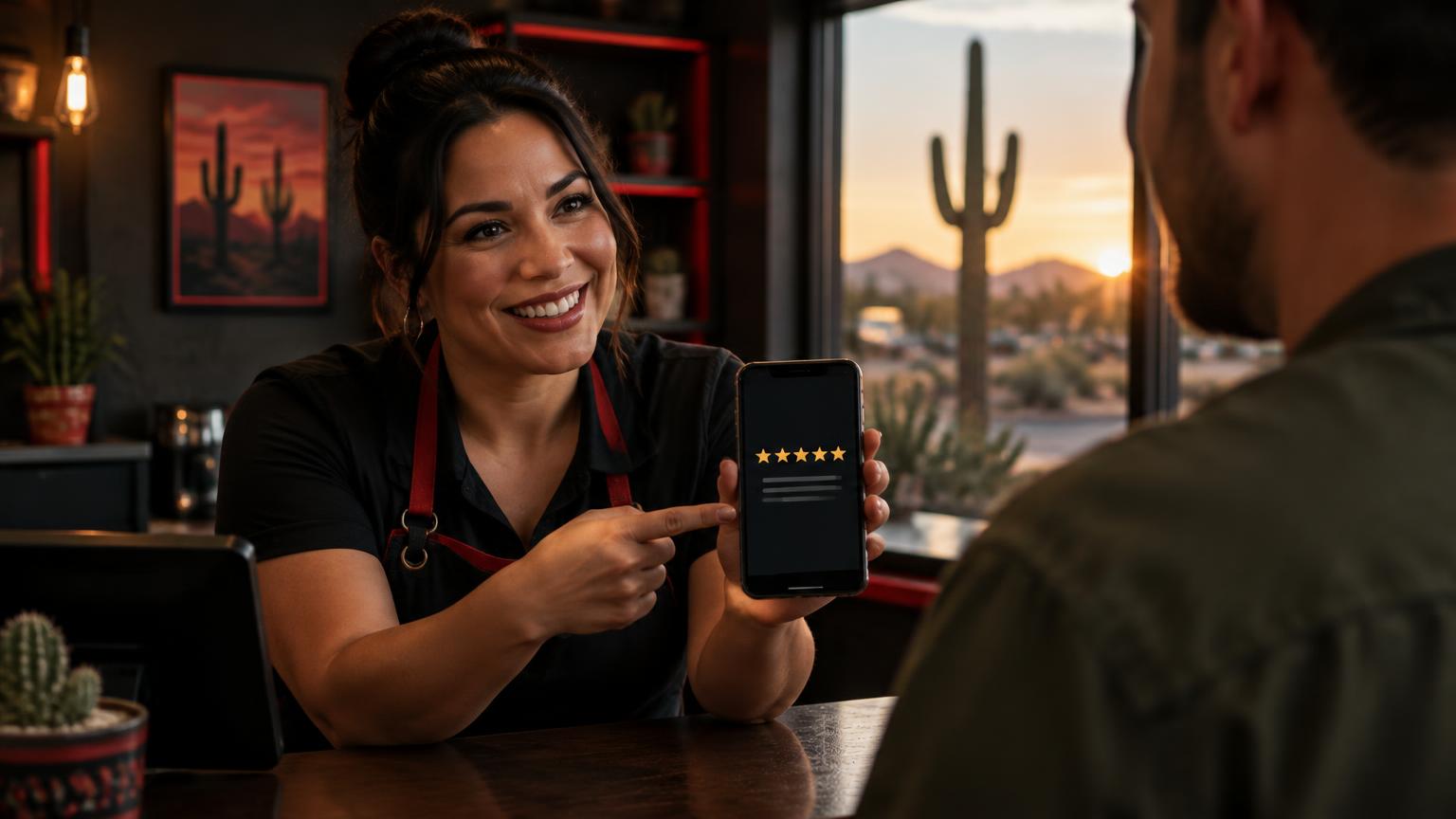
When a Phoenix homeowner needs a plumber, a roofer, or a landscaper, the first thing most of them do is search Google and read reviews. Before they ever visit your website, they have already judged you by the stars and comments next to your name. If your competitor has a steady stream of recent reviews and you have a handful from three years ago, you lose that customer before the conversation starts.
The good news is that getting more Google reviews is not luck. It is a process. Businesses that collect reviews consistently do the same few things every week. Here is how to build that process into your business.
Why Google Reviews Matter for Local Businesses
Reviews do two jobs at once. First, they build trust with people who have never heard of you. A potential customer reads what real neighbors say about your work, your communication, and your follow-through. Second, reviews are one of the signals Google considers when deciding which businesses to show in the local map results. Recent, detailed reviews that mention your services and your area help Google understand what you do and where you do it.
Reviews also give you honest feedback. Patterns in what customers praise or complain about show you what to keep doing and what to fix.
Ask at the Right Moment
The best time to ask for a review is the moment the customer is happiest. For a contractor, that is the final walkthrough when the homeowner sees the finished job. For a service business, it is right after the problem is solved. For a retail shop, it is at the counter when the customer thanks you.
Do not wait a week and send a generic email. By then the excitement has faded and your request lands in a crowded inbox. Ask in person, then follow up the same day with a direct link.
Make It Easy With a Direct Review Link
Every extra step you put between a happy customer and the review box costs you reviews. Google Business Profile gives you a short link that opens the review form directly. Find it in your Business Profile dashboard under the option to ask for reviews, then put it everywhere:
- Text messages sent after a job is complete
- Email signatures for your whole team
- Invoices and receipts
- A QR code printed on business cards, leave-behind cards, or a counter sign
Text messages tend to work best for local service businesses because customers read them quickly and can tap the link from the same phone they use to search.
Train Your Team to Ask
Owners often ask for reviews themselves and forget that technicians, crew leads, and front desk staff talk to far more customers. Give your team a simple script they are comfortable saying, such as: "If you are happy with how everything turned out, it would mean a lot to us if you left a quick Google review. I will text you the link right now."
Make it part of the job checklist, not an afterthought. When asking becomes routine, reviews arrive steadily instead of in random bursts.
Respond to Every Review
Responding shows future customers that a real person runs the business and cares about the experience. Thank people who leave positive reviews and mention the specific service when it fits naturally. For negative reviews, stay calm and professional. Acknowledge the concern, avoid arguing in public, and offer to resolve it offline with a phone number or email. A thoughtful response to a bad review can win more trust than a dozen five-star ratings.
What Not to Do
Some shortcuts can get your reviews removed or your profile penalized. Google's policies prohibit these practices:
- Offering discounts, gifts, or payment in exchange for reviews
- Asking only happy customers to review while steering unhappy ones elsewhere
- Writing reviews for your own business or having employees and family do it
- Buying reviews from any service that promises a set number of stars
Fake or incentivized reviews put your whole profile at risk. Real reviews from real customers are the only kind worth having.
Show Your Reviews Off
Once reviews start coming in, put them to work. Display recent Google reviews on your website, share standout comments on social media, and include them in proposals. A homeowner comparing three bids pays attention when your proposal includes words from their neighbors.
Frequently Asked Questions
How many Google reviews does my business need?
There is no magic number. What matters most is a steady flow of recent, detailed reviews compared to the other businesses showing up for the same searches in your area.
Can I remove a bad review?
You can flag a review that violates Google's policies, such as spam or reviews from people who were never customers. Honest negative reviews usually stay, which is why a professional response matters.
Should I ask customers to mention specific words?
Do not script what customers write. You can ask them to share what service you provided and how it went, which naturally gives readers and Google helpful detail.
Phoenix AZ Ad Agency helps local businesses build their Google Business Profile, set up simple review requests, and turn reviews into more calls. Call (602) 641-8210 or book a time with our team to get your review process running.
Keep readingwebsite design & email · local SEO services · Phoenix website design · all marketing services · book a call